
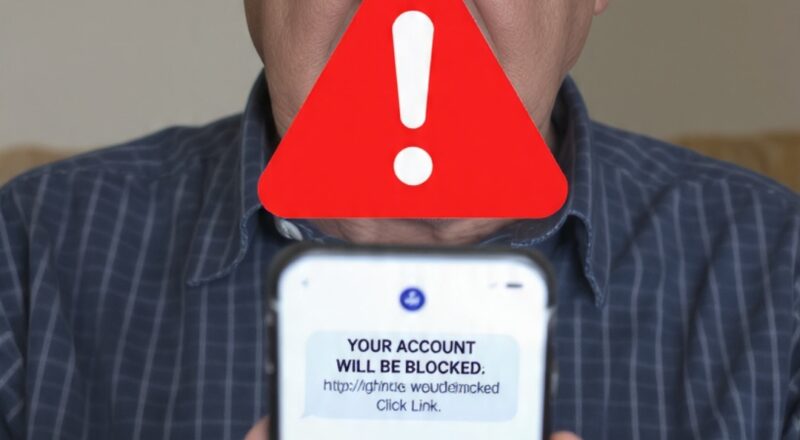
Using your phone to send money is easy now.
But scammers also find it easy to steal money.
In 2026, many seniors are getting fake calls and fake messages.
They want your bank details and OTP.
Do not worry.
If you follow these 8 easy rules, your money will be safe.
Technology is good. We just need to use it safely.
Rule 1:
Never Tell Your OTP, PIN, or Card Number to Anyone*
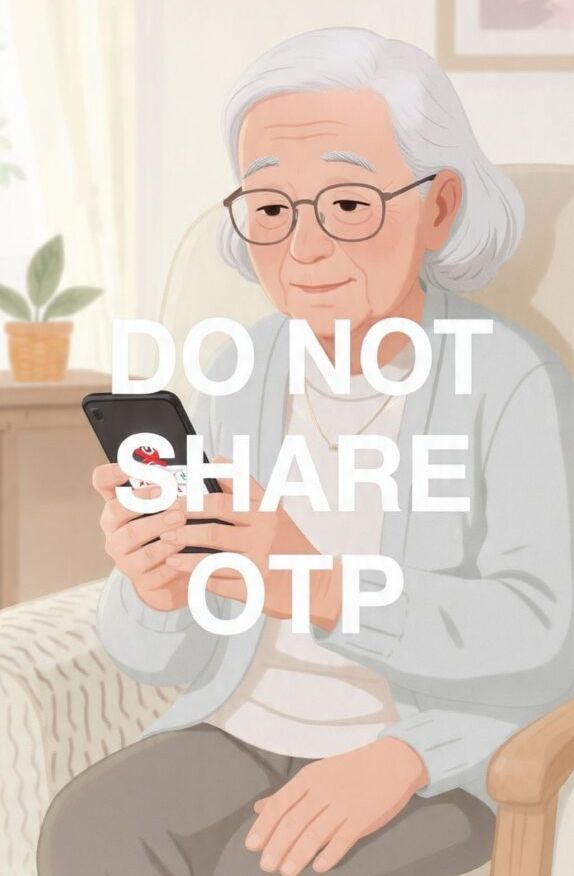
This is the most important rule.
Your bank will never call you and ask for OTP.
RBI will never ask for your PIN.
No one from the bank will ask for your card number.
*If someone calls and says*: “Sir, your account will close. Tell me OTP”
*What to do*: Cut the call. It is a scam.
OTP comes only for you. Do not tell it to anyone. Not even your friends.
Rule 2:
Turn On Double Lock for Your Bank App*
This is called 2-Factor Authentication or 2FA.
First you put password.
Then you get one more code on your phone.
Even if someone knows your password, they cannot enter your account.
*How to turn it on:*
Open Bank App → Go to Settings → Go to Security → Turn on 2FA
It takes 5 minutes. It gives you 10 times more safety.
Rule 3:
Use One Strong Password*
Do not use “123456” or your birthday.
*Good Password Example*: `Safe@Money2026!`
Use capital letters, small letters, numbers, and symbol.
Do not use the same password for Facebook and Bank.
If one gets hacked, all will get hacked.
Forget passwords easily?
Use a free app like “Google Password Manager”. It keeps all passwords safe for you.
Rule 4:
Check Your Bank Messages Every Week*

Take 5 minutes every week.
Read all SMS from your bank.
At the end of the month, check your bank statement.
Even a small Rs.10 deduction is important.
Scammers first test with small money.
If you see anything wrong, call your bank right away.
Rule 5:
Use Only the Real Bank App or Website*
Do not click the first link on Google.
Many fake websites look like real bank websites.
*Safe Way:*
Go to Play Store. Search your bank name. Download the app.
For website, check the address. It must start with `https://` and show a lock symbol 🔒
Rule 6:
Be Careful of Fake Bank Calls and Messages*
You may get messages like this:
“Update your KYC now. Click this link”
“You won Rs.50000. Send details”
These are all fake.
Real banks never send links.
Real banks never ask details on phone.
If you are not sure, hang up.
Call your bank using the number on your bank card or passbook.
Rule 7:
Always Logout After Banking*
When you finish using the bank app, press “Logout”.
Then close the app.
If you lose your phone, no one can open your bank account.
Also turn on “Auto Logout” in your app settings.
Rule 8:
Keep Your Phone Safe and Updated*
Use the free antivirus that comes with your phone.
For Android, it is called “Google Play Protect”. Keep it ON.
When your phone asks for an update, do the update.
Updates fix security problems.
Do not download apps from unknown places.
Do not click unknown links.
What To Do If You Get Scammed? 3 Steps
Do not panic. You can fix this.
Step 1: Call Your Bank
Call customer care right away. Ask them to block your card.
Step 2: File a Complaint
In India: Go to `cybercrime.gov.in` and complain online.
In USA: Go to `reportfraud.ftc.gov`
Step 3: Tell Your Family
They can help you. You are not alone.
Remember, it is not your fault. Scammers are very clever.
Free Tools That Can Help You
– *Truecaller App*: Blocks spam and scam calls
– *Bank SMS Alert*: Get a message for every transaction
– *Password Manager*: Keeps all your passwords safe
Conclusion
Online banking is not scary.
It is safe and very helpful when you know the rules.
Take a screenshot of these 8 rules.
Save it on your phone. Read it once a week.
Your money is important. You are the boss of your money.
*Also Read*: `3 Phone Scams Targeting Seniors in 2026`
—
FAQ – Common Questions
Q1: Is UPI safe for seniors?
Yes, UPI is safe. Just do not share your UPI PIN with anyone. Use only the official UPI app.
Q2: My bank called me. Is it real?
No. Real banks do not call and ask for OTP or card details. If they call, it is a scam. Cut the call.
Q3: What is the safest way to check my balance?
Use your official bank app. Or go to ATM. Or use SMS banking. Do not click links from SMS.
Q4: I clicked a wrong link. What should I do?
Turn on Airplane Mode. Call your bank. Change your password. Run a virus scan on your phone.
Q5: How often should I change my password?
Change it every 6 months. But if you have a strong password and 2FA ON, it is okay.