
- INTRO
- Why Are Seniors Targeted on WhatsApp in 2026?
- 5 WhatsApp Frauds Targeting Seniors in 2026
- ##### *Fraud 2: The “You Won a Lottery/Prize” Fraud*
- ##### *Fraud 4: The “Bank KYC Update” Fake Link Fraud*
- ##### *Fraud 5: The “Part-Time Job/Investment” Fraud*
- 7 Golden Rules to Stay Safe on WhatsApp in 2026
- What To Do If You Get Scammed on WhatsApp?
- Important WhatsApp Settings Every Senior Must Turn On
- *CONCLUSION*
- *FAQ*
INTRO
WhatsApp is on almost every senior’s phone in 2026. We use it to talk to children, grandchildren, and friends. But there is a dark side too.
Scammers have made WhatsApp their #1 tool to cheat senior citizens. Every day thousands of seniors in India lose money because of one fake message or one wrong click.
The biggest problem is that these fraud messages look 100% real. They use your family member’s photo, your bank’s logo, and even your language.
But don’t worry. In this guide, I will explain the 5 most dangerous WhatsApp frauds targeting seniors in 2026. I will also give you 7 simple rules to protect yourself and your money. Read till the end and share this with your family WhatsApp group.
Why Are Seniors Targeted on WhatsApp in 2026?
Scammers target seniors for 3 main reasons:
1. *Trust*:
Seniors are kind and helpful. They believe messages quickly.
2. *Less Tech Knowledge*:
Many seniors don’t know how to check if a link is fake.
3. *Have Savings*:
Scammers know seniors have retirement money in the bank.
This is why you must be extra careful on WhatsApp.
5 WhatsApp Frauds Targeting Seniors in 2026
*Fraud 1:
The “Urgent Money” or “Son in Trouble” Fraud*
*How it works*:
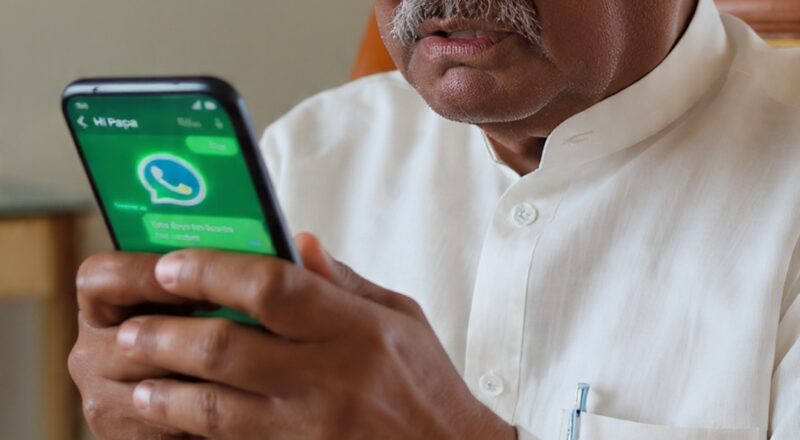
You get a WhatsApp message from an unknown number. The DP is your son or daughter. The message says:
`Hi Papa, this is my new number. My old phone got lost. I am in police station. Please send 15,000 to this account urgently. Don’t call, I am in meeting.`
Scammers copy your child’s photo from Facebook or Instagram and create a new WhatsApp account.
*Red Flags to Watch*:
– New number
– Asking for urgent money transfer
– Saying “Don’t call me”
– Account number given in message
*What To Do*:
Stop. Take a deep breath. Call your child on their OLD number immediately. 99% of the time they are safe at home.
##### *Fraud 2: The “You Won a Lottery/Prize” Fraud*
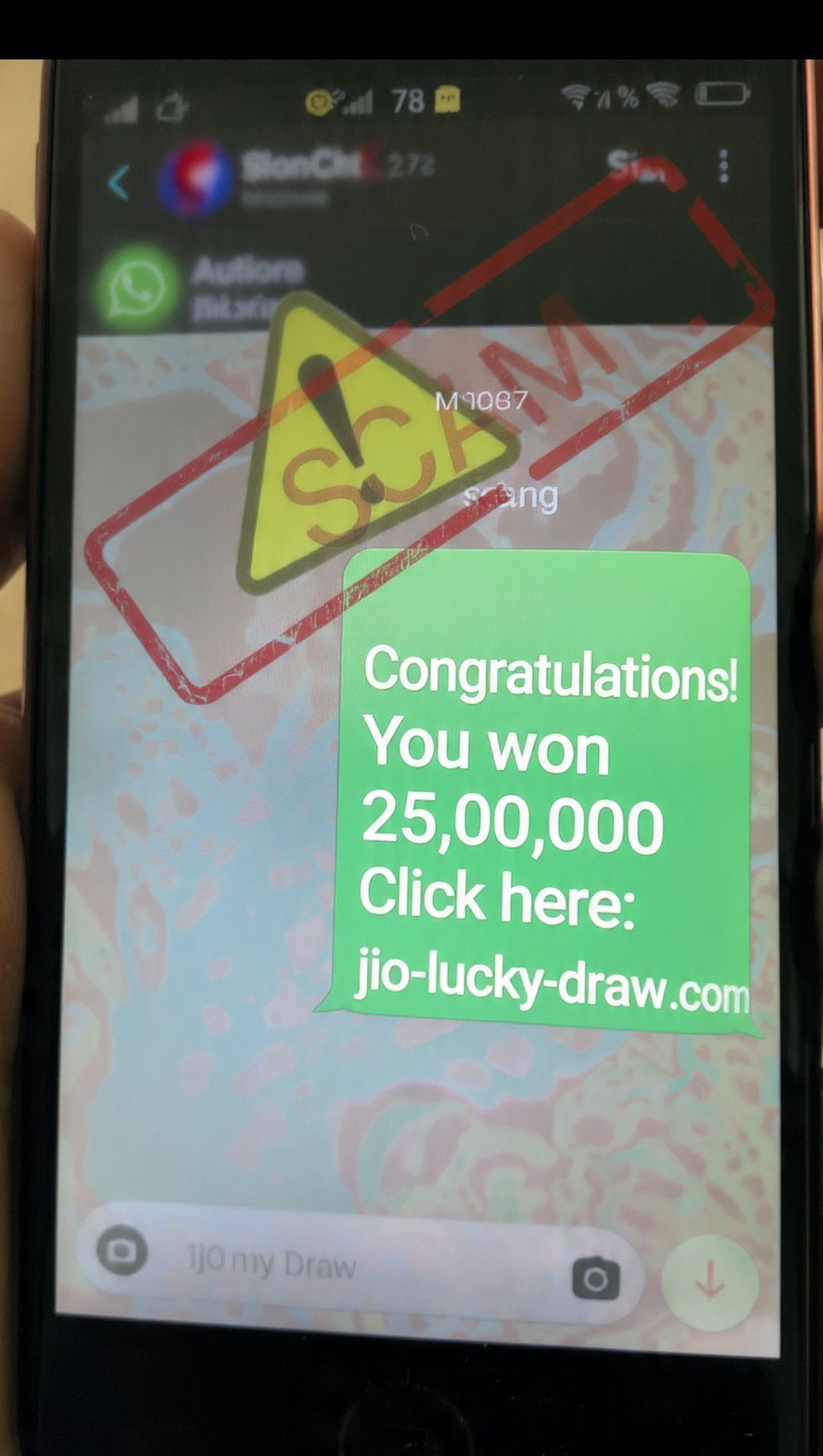
*How it works*:
`Congratulations Mr. Kumar! You have won 25,00,000 in Jio WhatsApp Lottery. To claim, pay 5000 processing fee and click here: jio-lucky-draw.com`
The link will take you to a fake website. It will ask for your bank details, ATM PIN, and OTP.
*Red Flags to Watch*:
– You never entered any lottery
– Asking you to pay money to get money
– Asking for OTP, Card Number, CVV
– Bad spelling and fake website link
*What To Do*:
Delete and Block the number. No real company will ever ask for OTP or money on WhatsApp.
##### *Fraud 3: The “Video Call” Blackmail or Sextortion Fraud*
*How it works*:
An unknown person does a WhatsApp video call. They ask you to remove clothes or do private things. Secretly they record the video. After 2 minutes they stop and say:
`We have recorded you. Pay 50,000 to this UPI or we will send this video to all your contacts.`
This creates a lot of fear and shame.
*Red Flags to Watch*:
– Unknown person asking for video call
– Asking for private activities on call
– Threatening to share video
*What To Do*:
Cut the call immediately. Don’t pay them. Don’t feel ashamed. Complain at *cybercrime.gov.in* or call *1930*. Police will help you. Many seniors have faced this.
##### *Fraud 4: The “Bank KYC Update” Fake Link Fraud*
*How it works*:
`Dear SBI Customer, Your account will be blocked in 24 hours. Update KYC now: https://sbi-kyc-update.net`
The link looks like your bank website. But it’s a fake site made to steal your username, password and OTP.
*Red Flags to Watch*:
– Threat of “account will be blocked”
– Link is not the official bank website
– Asking to login and enter OTP
*What To Do*:
Never click links from SMS or WhatsApp. Open your bank app directly from Play Store and check. Or visit the bank branch.
##### *Fraud 5: The “Part-Time Job/Investment” Fraud*
*How it works*:
`Work from home. Earn 3000 per day by liking YouTube videos. Pay 2000 registration fee to join. Contact this number.`
They take small money first. Once you pay, they ask for more money for “tax” or “insurance”. Then they block you.
*Red Flags to Watch*:
– “Earn money easily” promise
– “Pay first to earn”
– No company website or office address
*What To Do*:
If it sounds too good to be true, it is a scam. Real jobs never ask for registration fees.
7 Golden Rules to Stay Safe on WhatsApp in 2026
Follow these 7 rules and you will be 99% safe.
1. *Rule 1: Verify Before Sending Money*
Even if the message is from your son, daughter or friend. Call them on their old number and confirm. This one rule can save lakhs of rupees.
2. *Rule 2: Never Click Unknown Links*
Don’t click links in WhatsApp messages. If your bank needs something, they will tell you in the bank app or branch.
3. *Rule 3: Never Share OTP, PIN, or Password*
Bank, government, or WhatsApp will NEVER ask for OTP on chat or call. If someone asks, it’s a scammer.
4. *Rule 4: Turn On 2-Step Verification*
Go to WhatsApp > Settings > Account > Two-step verification > Turn On. This adds an extra password to your WhatsApp.
5. *Rule 5: Check “Forwarded Many Times” Tag*
If a message has this tag, it means it’s fake news or scam. Don’t forward it.
6. *Rule 6: Report and Block*
Long press the scam message > Tap “Report” > Tap “Block”. This helps WhatsApp stop the scammer.
7. *Rule 7: Talk to Your Family*
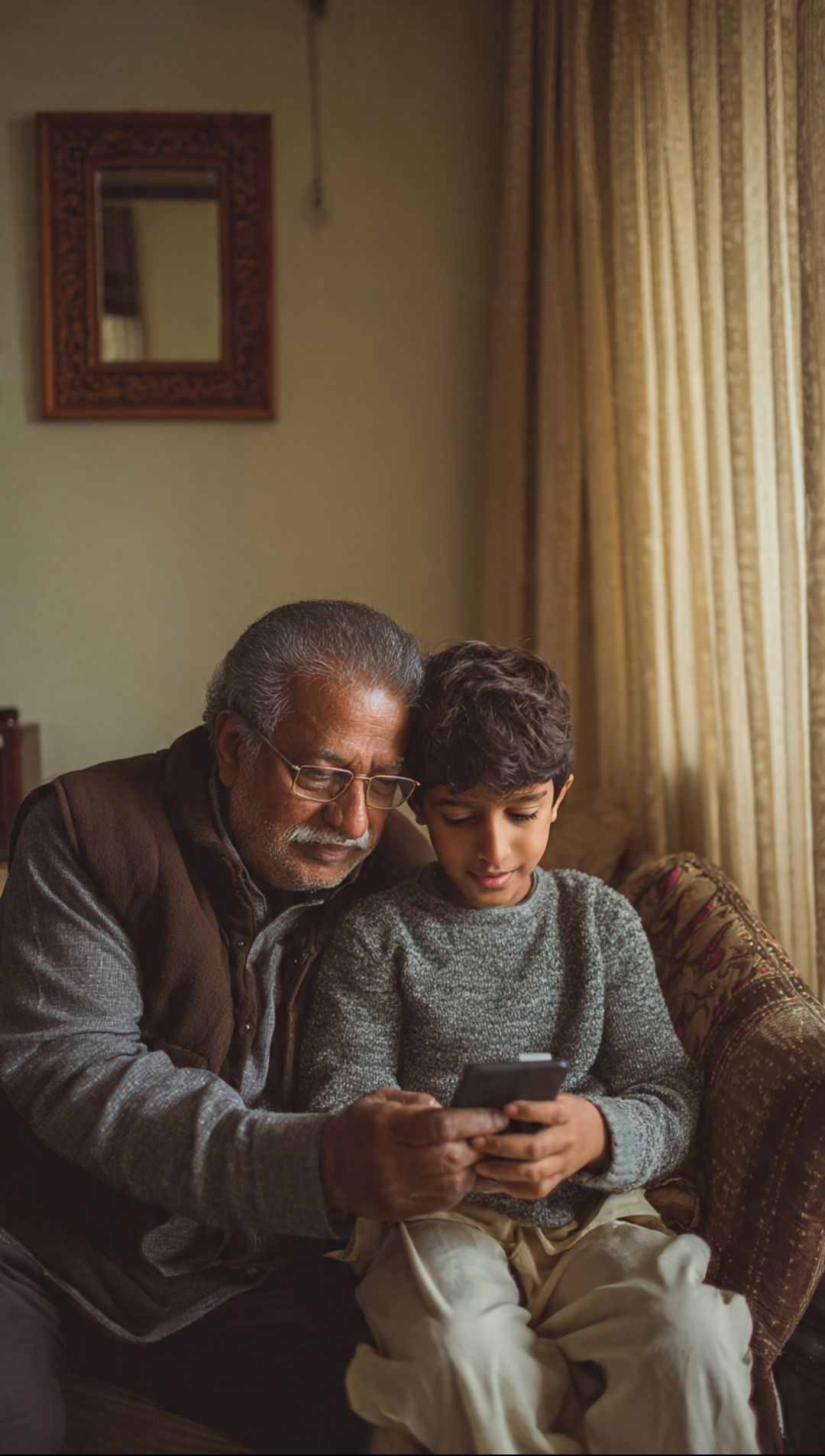
Show any suspicious message to your son, daughter or grandchild first. Two minds are better than one.
What To Do If You Get Scammed on WhatsApp?
If you already clicked a link or sent money, don’t panic. Do these 3 things fast.
*Step 1: Call Your Bank Immediately*
Call your bank’s customer care and ask them to block your card and account. This will stop more money from going out.
*Step 2: File a Complaint*
Go to *https://cybercrime.gov.in* and file a complaint. Or call the helpline number *1930*. This is the government cyber police. They will help you get your money back.
*Step 3: Tell Your Family*
Don’t feel shy or guilty. Scammers are professionals. Tell your family so they can support you and also stay alert.
Important WhatsApp Settings Every Senior Must Turn On
1. *Profile Photo Privacy*:
Settings > Privacy > Profile Photo > My Contacts Only
2. *Groups Privacy*:
Settings > Privacy > Groups > My Contacts Only. This stops strangers from adding you to scam groups.
3. *Turn Off “Last Seen”*:
Settings > Privacy > Last Seen > Nobody
*CONCLUSION*
WhatsApp is a great tool to stay connected with family. But we must also be smart.
Remember this simple formula: *Stop. Think. Call.*
Before you send money, click a link, or share OTP – Stop for 10 seconds, Think if it’s real, and Call your family to confirm.
Please share this article in your family WhatsApp group. You might save your friend’s retirement money.
Stay safe, Stay smart.
*FAQ*
*Q1: Can WhatsApp itself send me messages asking for OTP?*
No. WhatsApp will never ask for OTP on chat. Only during login.
*Q2: Is it safe to join WhatsApp groups?*
Yes, but only groups made by people you know. Turn on “My Contacts Only” for Groups.
*Q3: What if I already shared my OTP?*
Call your bank immediately and block your card. Then file complaint on http://cybercrime.gov.in
—